
Live Copilot AI Training for Professionals
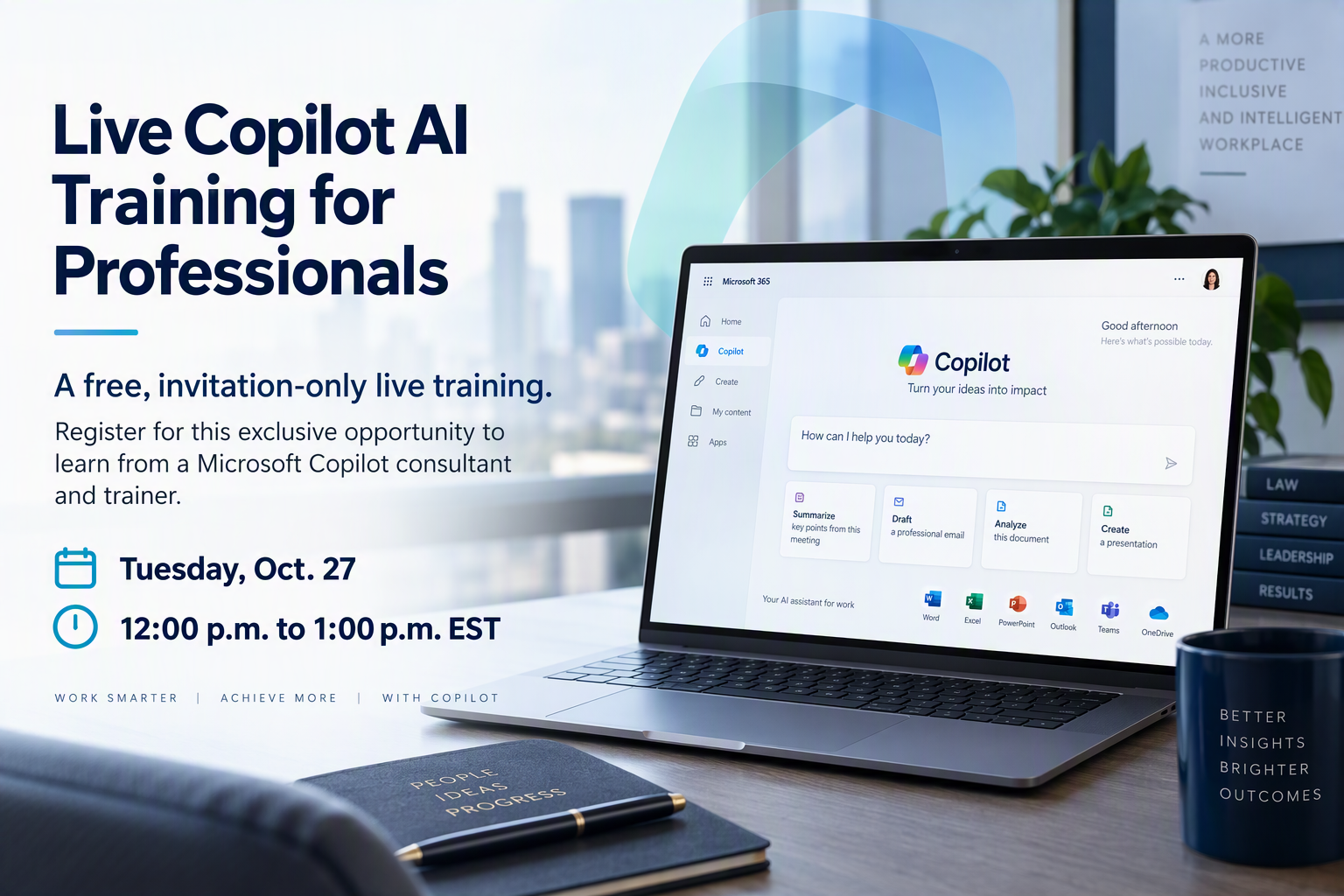
Free, invitation-only live training.
An exclusive opportunity to learn from a consultant and trainer.
Join me for a free, live 60-minute session to learn practical ways to use Copilot for everyday work tasks.
The problem
If your company turned on Microsoft Copilot recently, you have likely run into the usual headache. IT gives you a license; you open Word or Outlook, and then you are pretty much left to poke around and figure it out. At the same time, LinkedIn is full of people sharing 50-page guides that do not help you prep for a client call or pull numbers out of a messy spreadsheet.
What usually happens is simple. You try a couple of tasks, get a result that says Copilot can't do it, or get a dump of information that takes ages to read through. After three days of that, you stop opening the Copilot app or sidebar.
This is a waste of a tool that can save you a lot of time. Copilot can take real administrative work off your desk, but only if you know how to use it.
What we will cover
I am running a free 60-minute live session to show you how you can use it every day. During the hour, we will go through:
- Getting acquainted with Copilot so you know exactly where to find it and how to use it.
- Practical ways to use Copilot for everyday tasks across Microsoft 365.
- A live question-and-answer period where you are encouraged to raise specific workplace challenges for discussion.
Who this is for
This session is for corporate employees in sales, banking, underwriting or government. It is also for solo business owners, clients of my partners and past alumni of my marketing courses. If you have Copilot but feel like you are just guessing at how to use it, this hour is for you.
Webinar details
- Name: Live Copilot AI Training for Professionals
- Date: Tuesday, Oct. 27
- Time: 12:00 p.m. to 1:00 p.m. EST
- Format: Live on Teams with open Q & A
- Cost: Free to attend
About me
I am Danielle Wintrip, and I run Wintrip Communications. I work as a Gen AI course developer, trainer and consultant. I help professionals figure out how to get real, useful work out of generative AI tools without getting bogged down.
Continuing your practice
At the end of the workshop, I will also share details about our upcoming 4-week live training cohort. We spend an hour and a half each week going deep into the Copilot app, Word, Outlook, Excel and PowerPoint. If you want ongoing practice and a completion certificate, that program is for you. But even if you only come for this free hour, you will leave with practical ways to use Copilot that very afternoon.
Reserve your spot
I keep the room small so there is time to answer questions live.
Free, invitation-only live training on Microsoft 365 Copilot.
An exclusive opportunity to learn from a consultant and trainer.